Blame the Access Point Last: A Systematic Triage Method for 'Slow Network' Tickets

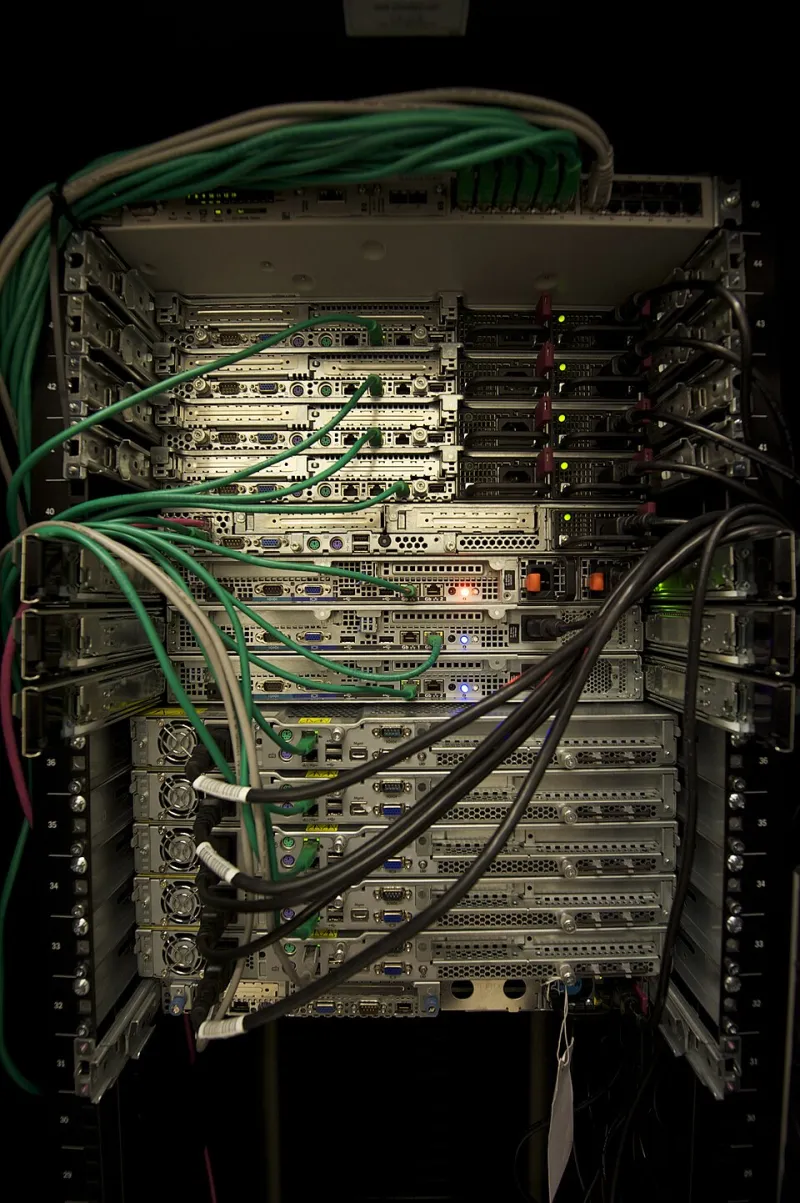
Photo: network engineer laptop diagnosing office network server room, via img.freepik.com
The Ticket That Lies
Somewhere in America right now, a network engineer is being paged because "the Wi-Fi is down." The complaint will arrive with total confidence, usually from a regional manager in a Des Moines branch office, and it will be wrong in at least one important way. The wireless network may be performing flawlessly. What the user is actually experiencing — a sluggish CRM dashboard, a Teams call that sounds like a walkie-talkie, a file share that takes thirty seconds to open — is a symptom with a dozen possible causes, and the access layer is near the bottom of the list.
The problem is structural. Users can only see the last hop of their connection, so they name the thing they can see. Help desk agents, measured on ticket closure speed, often take the path of least resistance: bounce the AP, close the ticket, wait for the complaint to resurface. Breaking that cycle requires a triage method that treats "slow network" not as a diagnosis but as a hypothesis to be tested — and frequently falsified.
Start Where the Packet Starts: DNS
Before touching a single radio, resolve the name-resolution question. A surprising share of "slow network" complaints are actually slow DNS, and the distinction matters enormously because the fixes live in completely different places.
The test is simple and takes under a minute. From an affected client, resolve a known hostname and compare the timing against resolving the same name by raw IP. If name resolution takes seconds while the IP connection snaps back instantly, the wireless segment is exonerated. The likely culprits include a branch router forwarding queries to a corporate DNS server three states away, a split-horizon misconfiguration after a recent migration, or — the classic — a printer with a stale static address hogging a DHCP-assigned DNS entry.
Follow the Traffic: The WAN Link Is a Suspect Too
If DNS checks out, the next stop is the circuit itself. American enterprises running cloud-heavy workloads over branch broadband routinely saturate their uplinks without realizing it, and the symptoms look exactly like bad Wi-Fi: bufferbloat, jitter, dropped calls, page loads that stall mid-render.
A saturated uplink produces a distinctive signature. Downloads may feel acceptable while uploads crawl, because the return traffic is queuing behind a backup job, a cloud sync, or a video surveillance feed nobody remembered when the circuit was sized. Run a capacity test during the complaint window, not at 7 a.m. when the link is idle. A circuit that tests clean at dawn and collapses at 10:30 a.m. has a congestion problem, not a coverage problem.
This is also where QoS earns its keep — or reveals its absence. A misclassified traffic policy can deprioritize real-time voice behind bulk replication traffic, producing the exact call-quality complaints that get blamed on the access point. Review the classification tables against actual traffic flows, not the design document from two years ago.
The Server Three States Away
The third major red herring is the application itself. When a Midwest enterprise consolidates its data centers into an Eastern colocation facility, branch users in Kansas City inherit latency they never had before. The network did not get slower; the physics did.
Traceroute and path analysis settle this quickly. Measure round-trip time from the affected site to the application endpoint and compare it against the theoretical floor — roughly one millisecond per hundred miles of fiber, in practice somewhat more. If a Denver user is hitting a server in Northern Virginia, a 60-millisecond RTT is not a network fault. It is an architecture decision wearing a network costume.
Application-level issues compound this. A chatty legacy app that made five round trips per transaction on a LAN becomes visibly painful over a WAN, and the ticket will still read "Wi-Fi slow."
Only Then, Look Up
If DNS is clean, the WAN has headroom, and the path to the application is reasonable, the access layer finally deserves scrutiny. Even then, resist the urge to stare at signal strength alone. Channel utilization, client density per radio, and roaming behavior tell a fuller story than an RSSI number ever will.
Automate the Triage, Not Just the Fix
Here is where software-defined networking changes the calculus. The diagnostic sequence above — DNS timing, link utilization, path latency, then radio health — is exactly the kind of repetitive, multi-step investigation that belongs in automation. Modern intent-based platforms and streaming telemetry can run this triage continuously, correlating client sessions with WAN statistics and application path data before a human ever opens the ticket.
Organizations that instrument their networks this way report a familiar pattern: the share of tickets attributed to wireless drops sharply, not because the Wi-Fi improved, but because the diagnosis finally got honest. The access point stops being the default suspect and resumes its actual role — one well-behaved component in a system whose failures usually start somewhere else.
The next time the ticket says the Wi-Fi is bad, let it. Then check the DNS server, the circuit counters, and the path to the application. The truth is usually one hop — or three states — away from the ceiling.